

N/A
N/A
$0 /mo
(518) 246-5861Fully Furnished 1 Bedroom Apartment – Washer/Dryer – Prime Albany Location
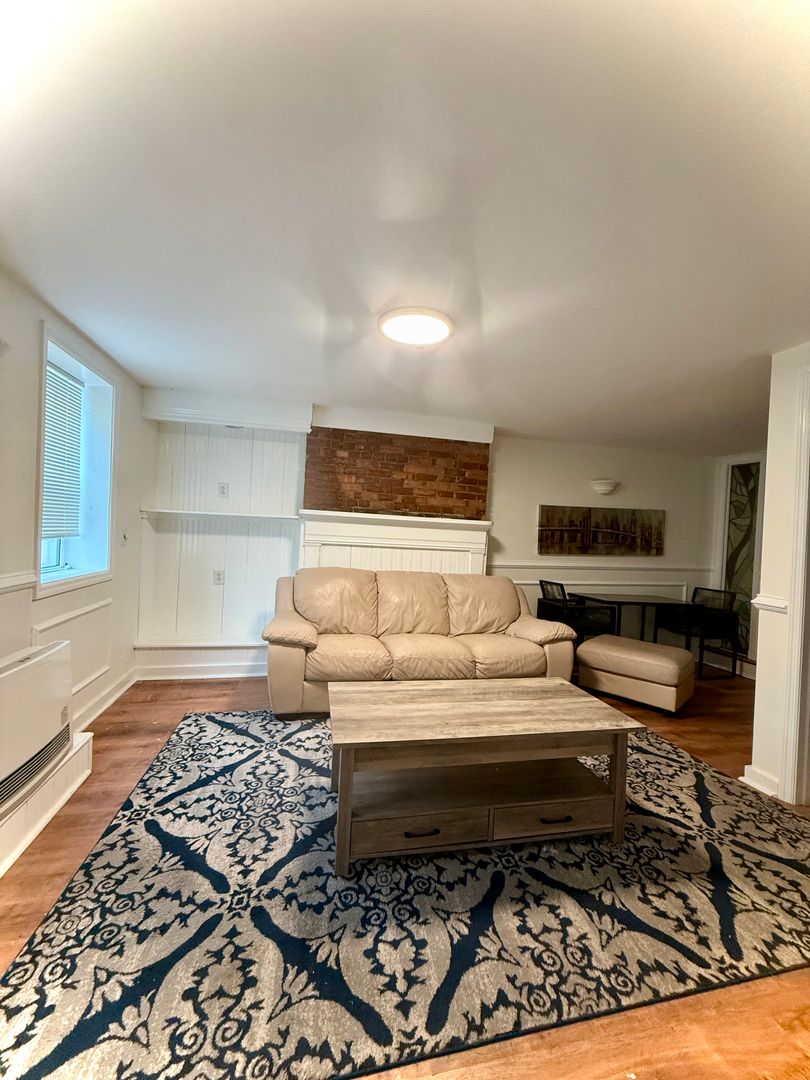
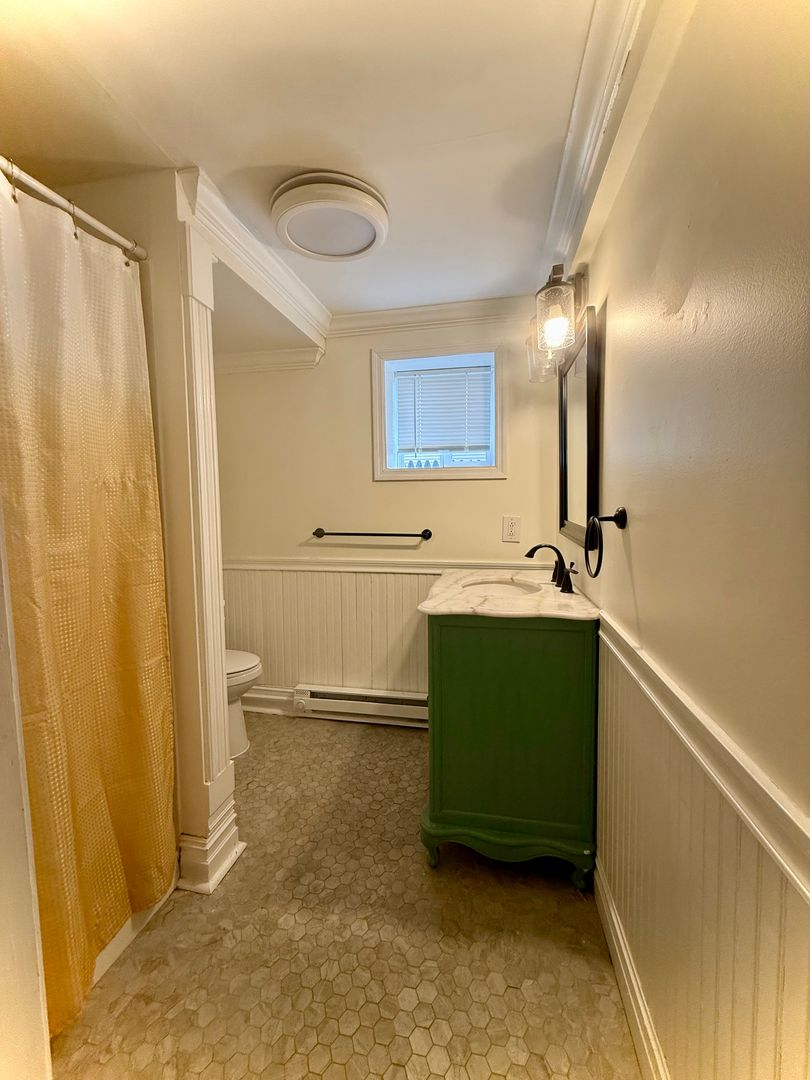
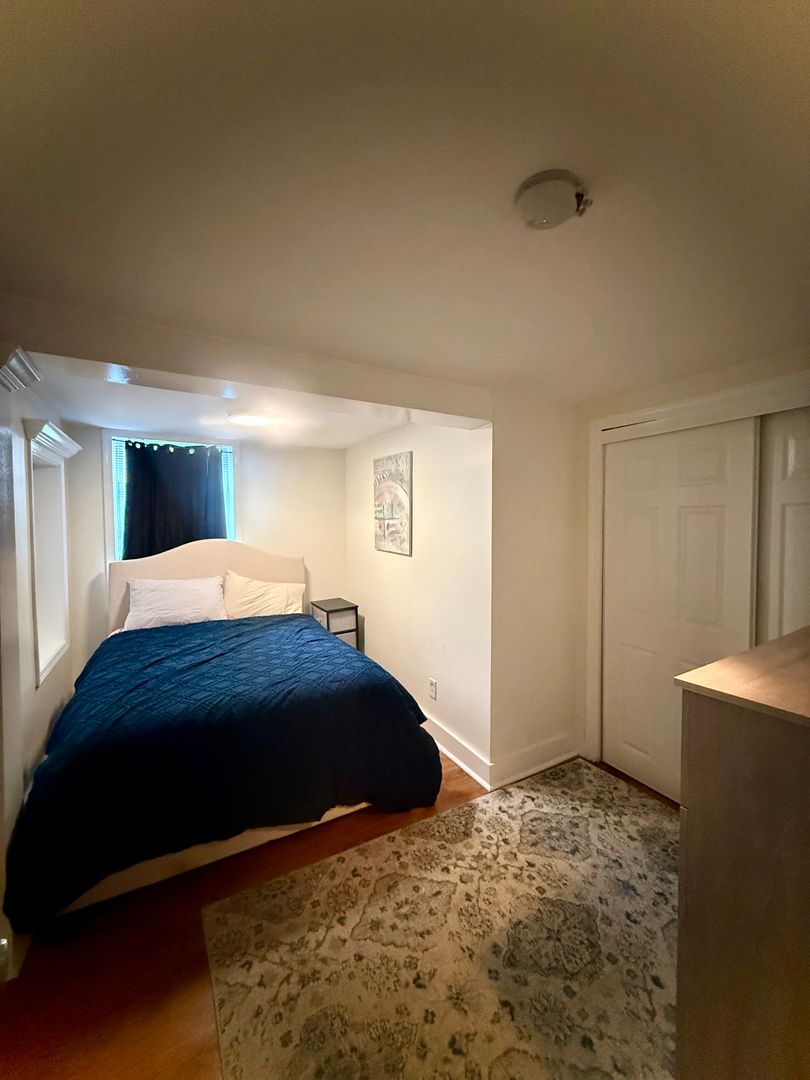
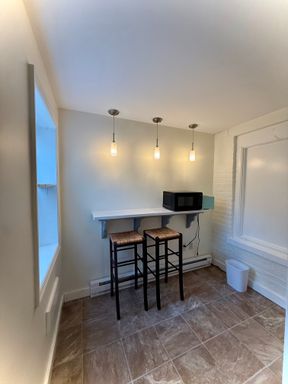
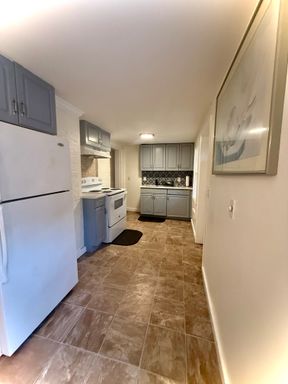
Fully furnished 1-bedroom apartment available at 142 Jefferson St in Albany, NY. This unit is ideal for traveling professionals, medical staff, or anyone seeking a comfortable mid-term rental in a convenient downtown location.
Located just steps from the New York State Museum and minutes from Albany Medical Center, this apartment offers easy access to hospitals, downtown Albany, restaurants, and major highways.
The unit is move-in ready and includes everything needed for a comfortable stay.
Apartment Features:
• Fully furnished 1-bedroom layout
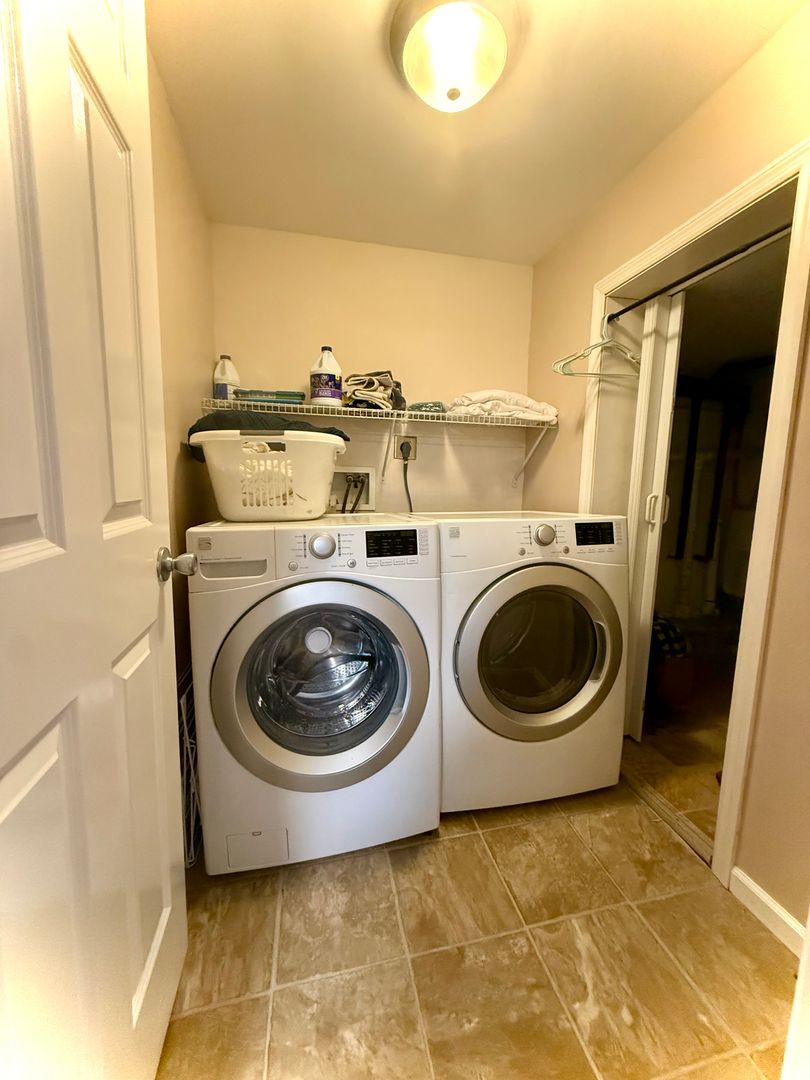
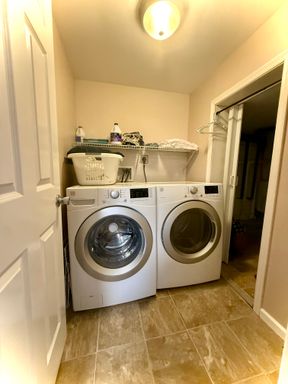
• In-unit washer and dryer
• High-speed internet available
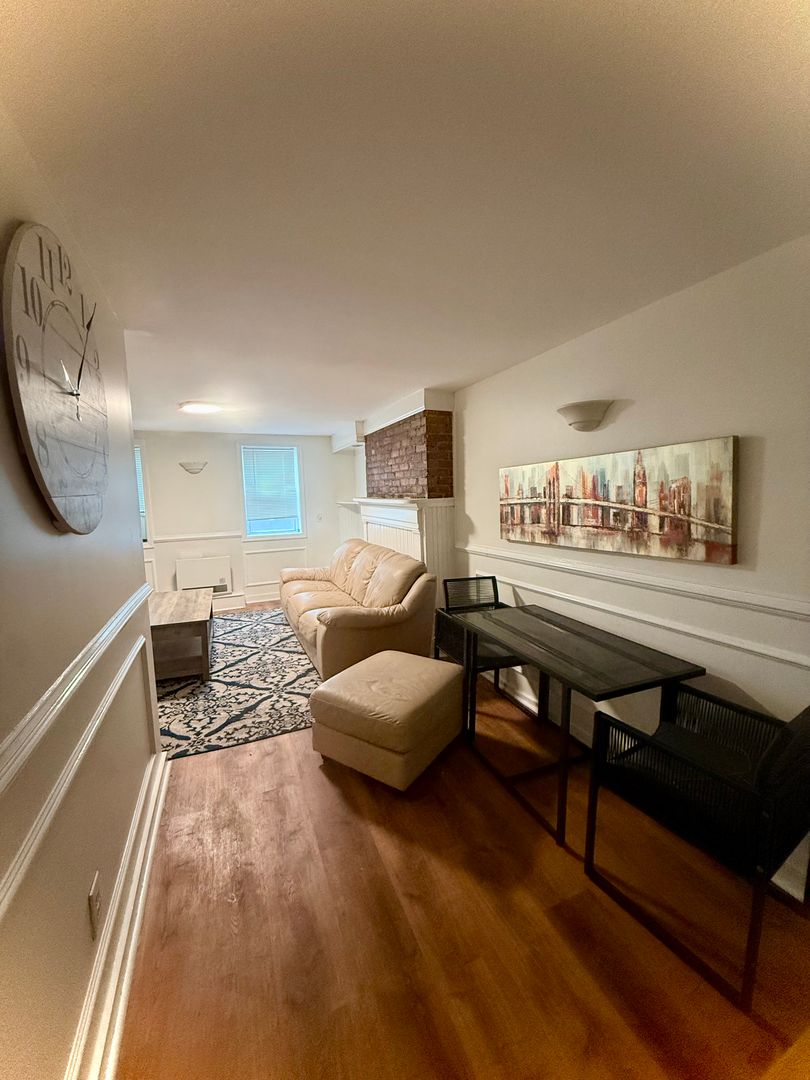
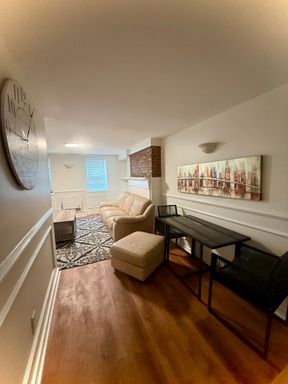
• Spacious living area
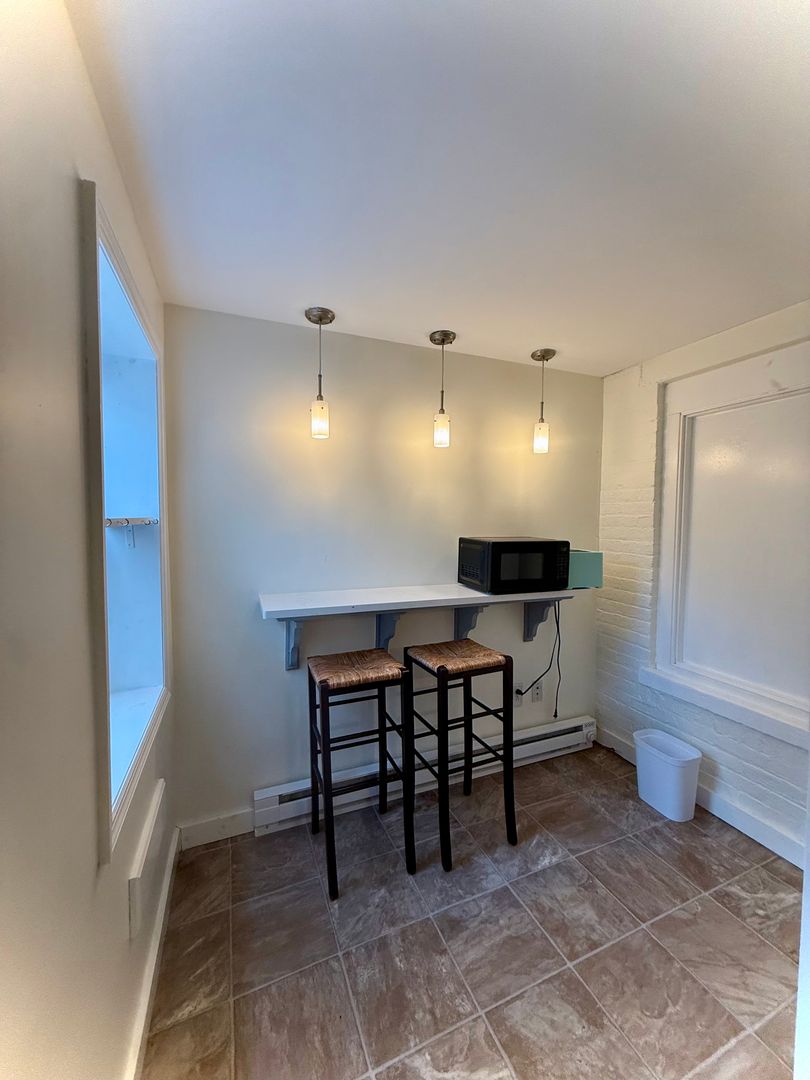
• Dedicated workspace
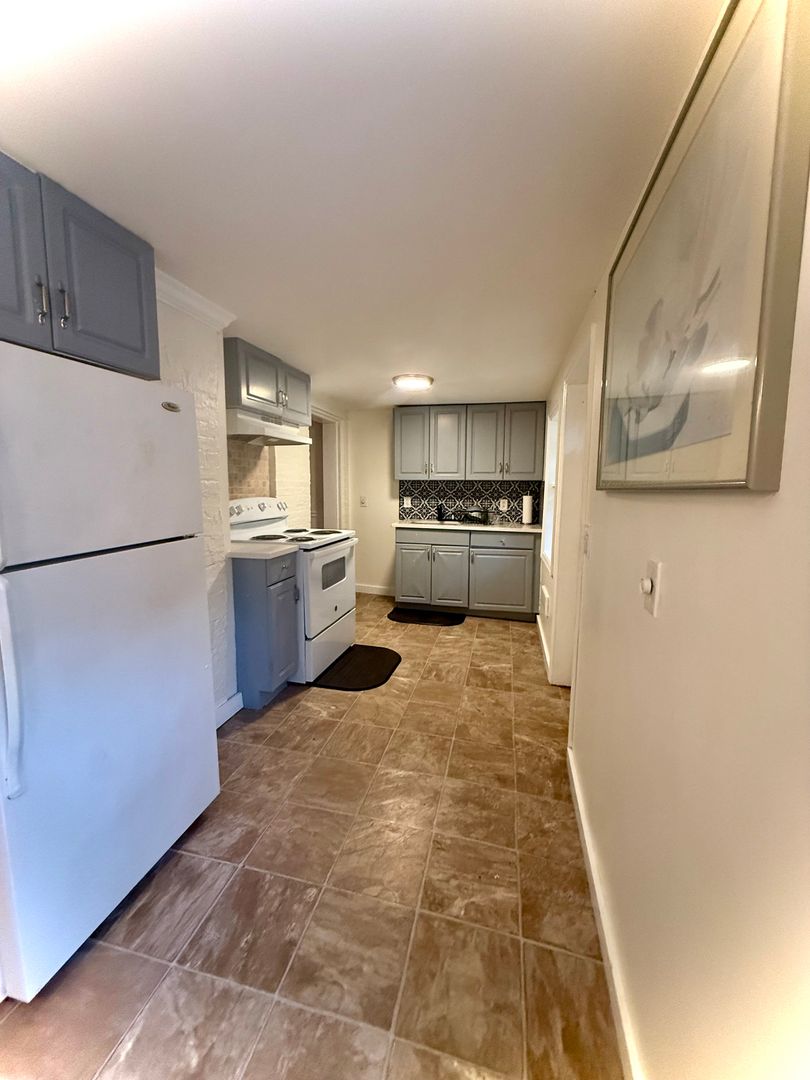
• Fully equipped kitchen
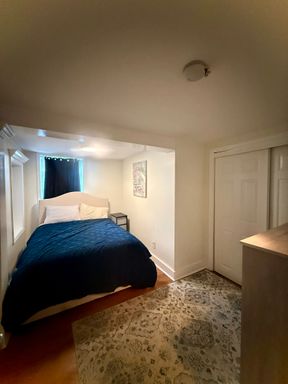
• Bed, linens, and essential furnishings included
Lease Terms:
• Minimum stay preferred: 30 days
• Flexible lease options available
• Security deposit required
This is a great option for traveling nurses, corporate housing, or temporary relocation.
Contact for availability and pricing!
518-246-5861
Read about Gateway Property Solutions
As a tenant, you have access to the Tenant Portal where you can pay rent anytime, from anywhere.
Whether you want to call us or submit a maintenance request online, we make it easy to fix anything.
We make sure our apartments include not only the necessary amenities, but additional convenience as well.
We understand tenants have unique needs. That's why we are committed to flexibility, fair pricing, and additional support.
Navigate to our realtor.com, via our website listings or other affiliated sites where we are listed, and someone from our team will get back to you ASAP! If you have any more questions, go to our Contact Us page and send us an email.
Log into the tenant portal and go to “Pay Now” when you’re on the Home or Payments tab. Fill in your payment information and complete the on-screen instructions. For more help, click here.
Login to your tenant portal and navigate to the “Maintenance” tab. Select “Request Maintenance”, enter the details of your request, and follow the remaining instructions. For more help, click here. In case of an emergency, dial 911.
Once you’ve logged into your AppFolio account, your lease can be found in the shared documents section of your Appfolio Portal.
Your Appfolio Portal will be activated before move-in, and you will get your account details then. If you already have an account, click the “tenant Login” button on the top right of the page. If you need to set up a new account, contact your property manager to submit new information.
Appfolio encrypts sensitive data and has strong transport layer security to protect website connections. All of their websites are hosted in a secure server with multi-layer perimeter security, such as firewalls. For more information, click here.
Learn What We Stand For
Availability
security
reliability
credibility